User's Manual
TV Studio User's Manual
Complete guide for the four shooting setups in the BLKB TV studio.
General Information
Light Configuration
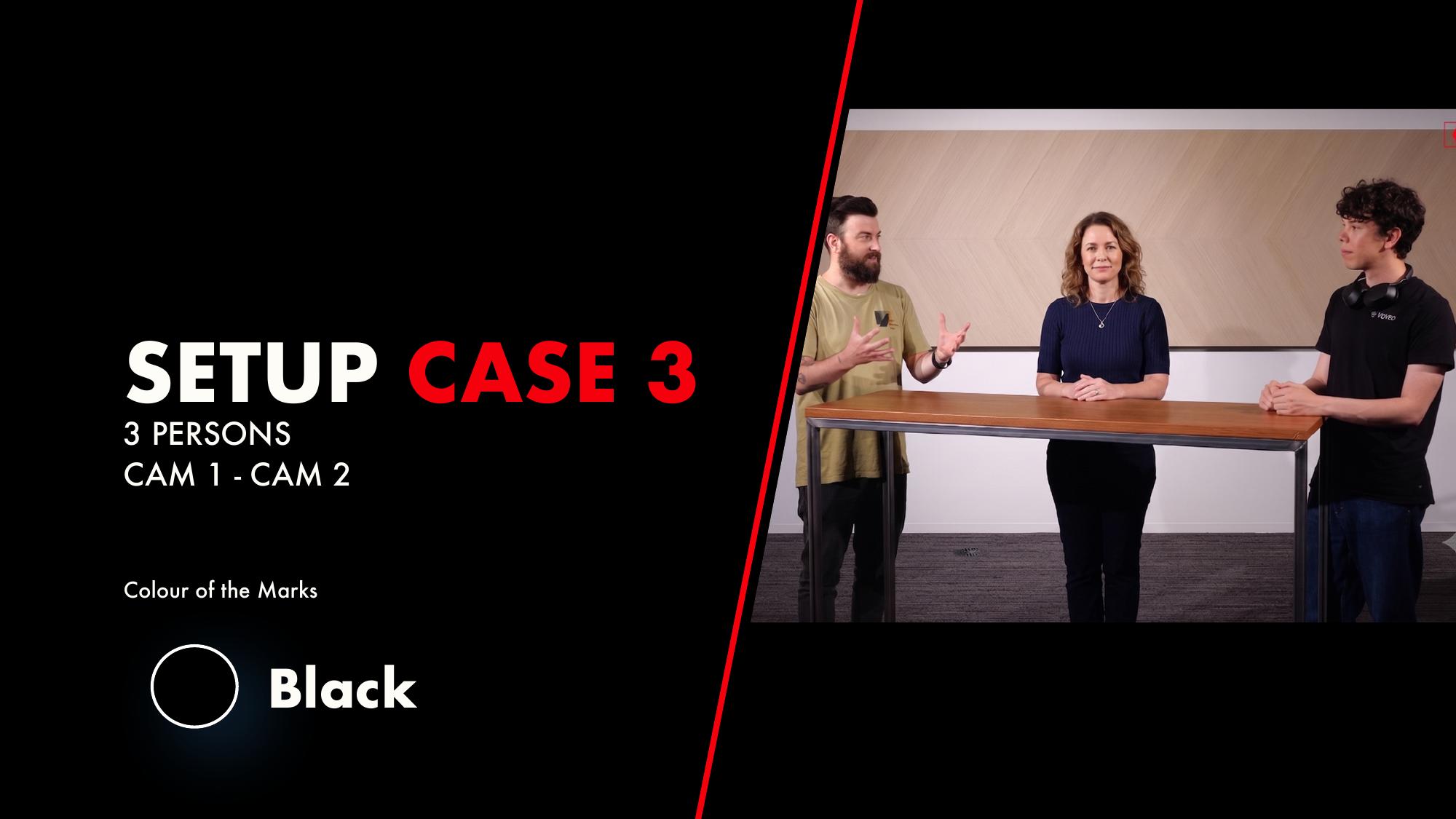
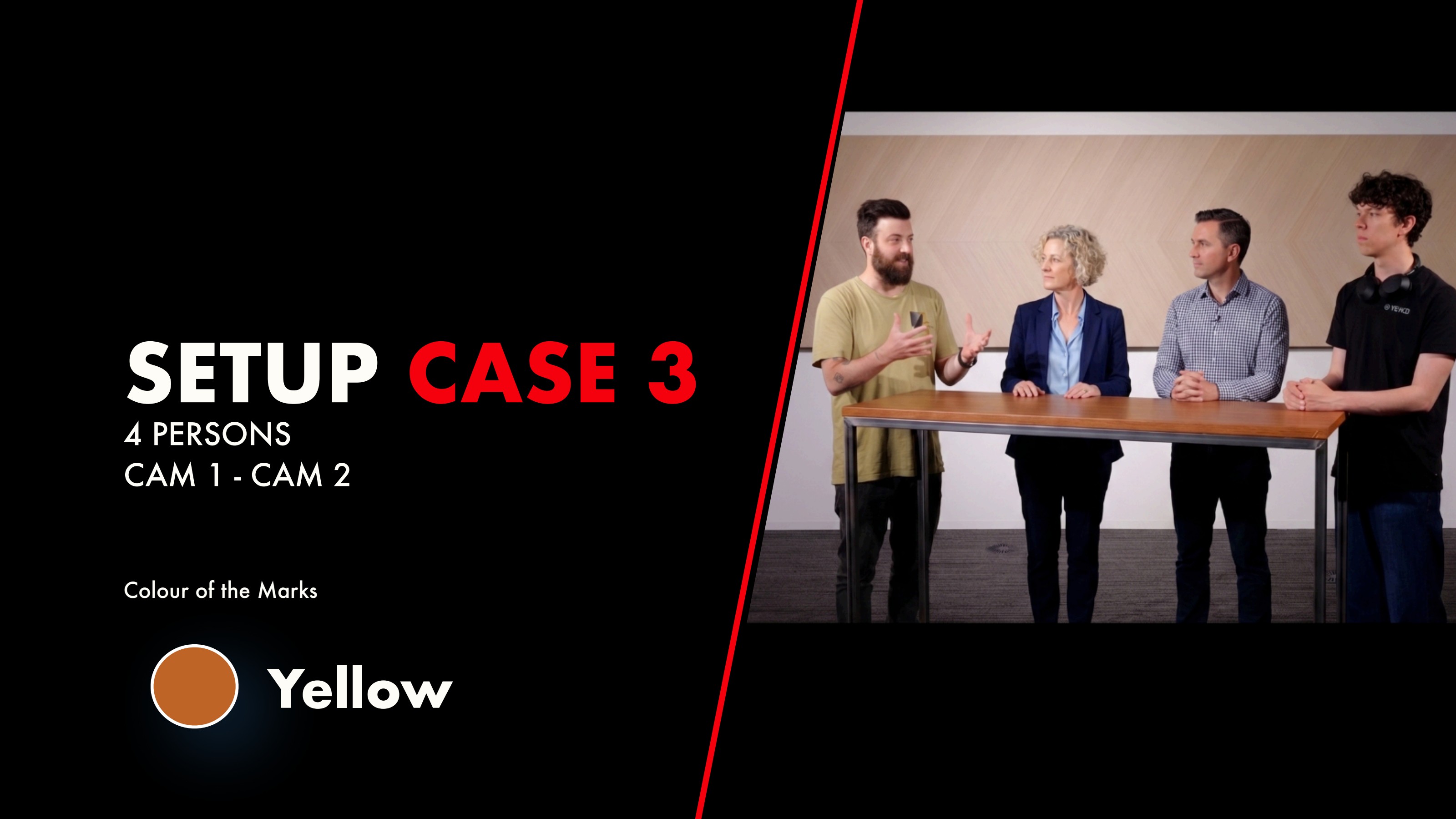
- • Button 1: Sitting (Case 3 — Case 4)
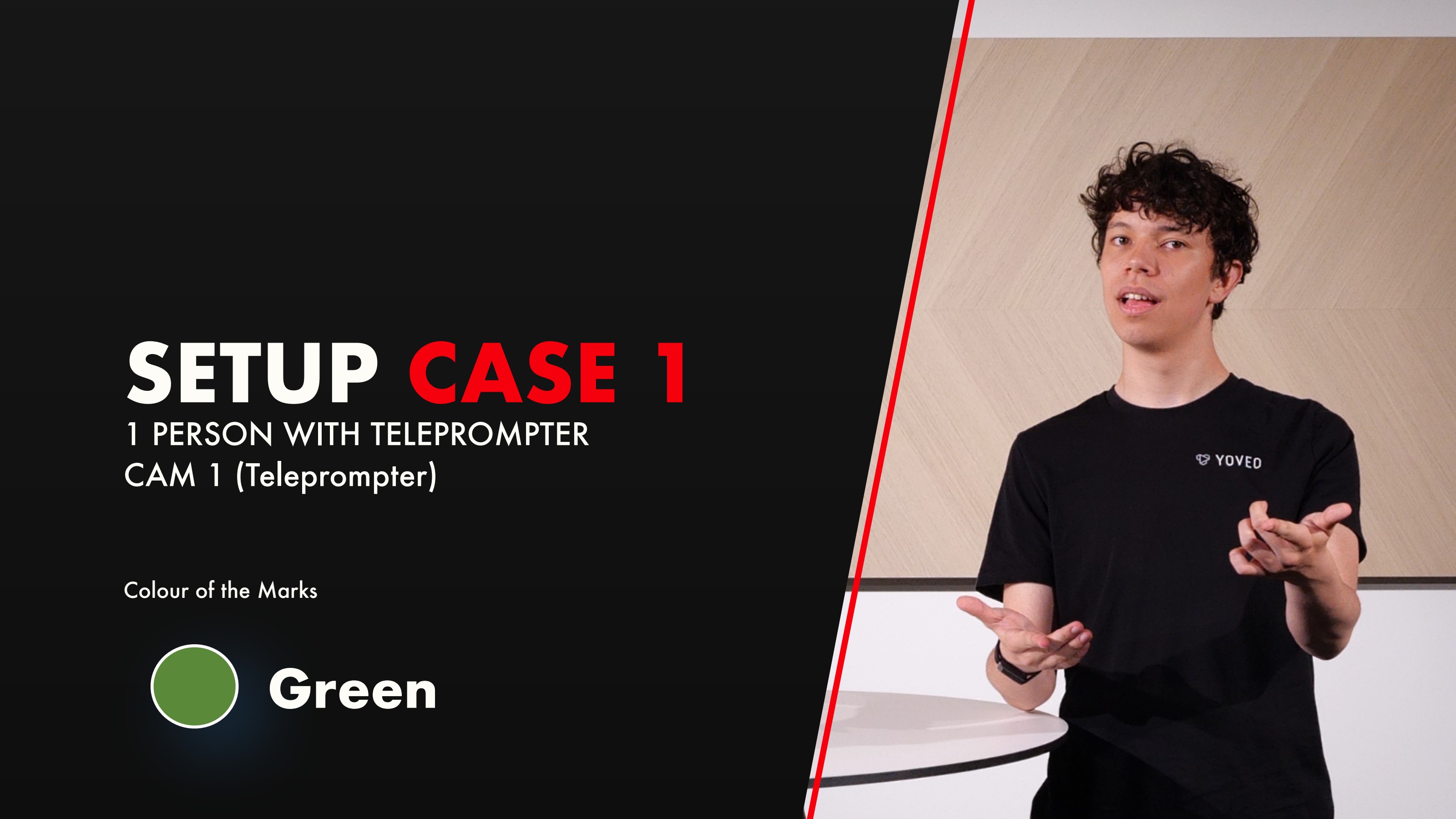
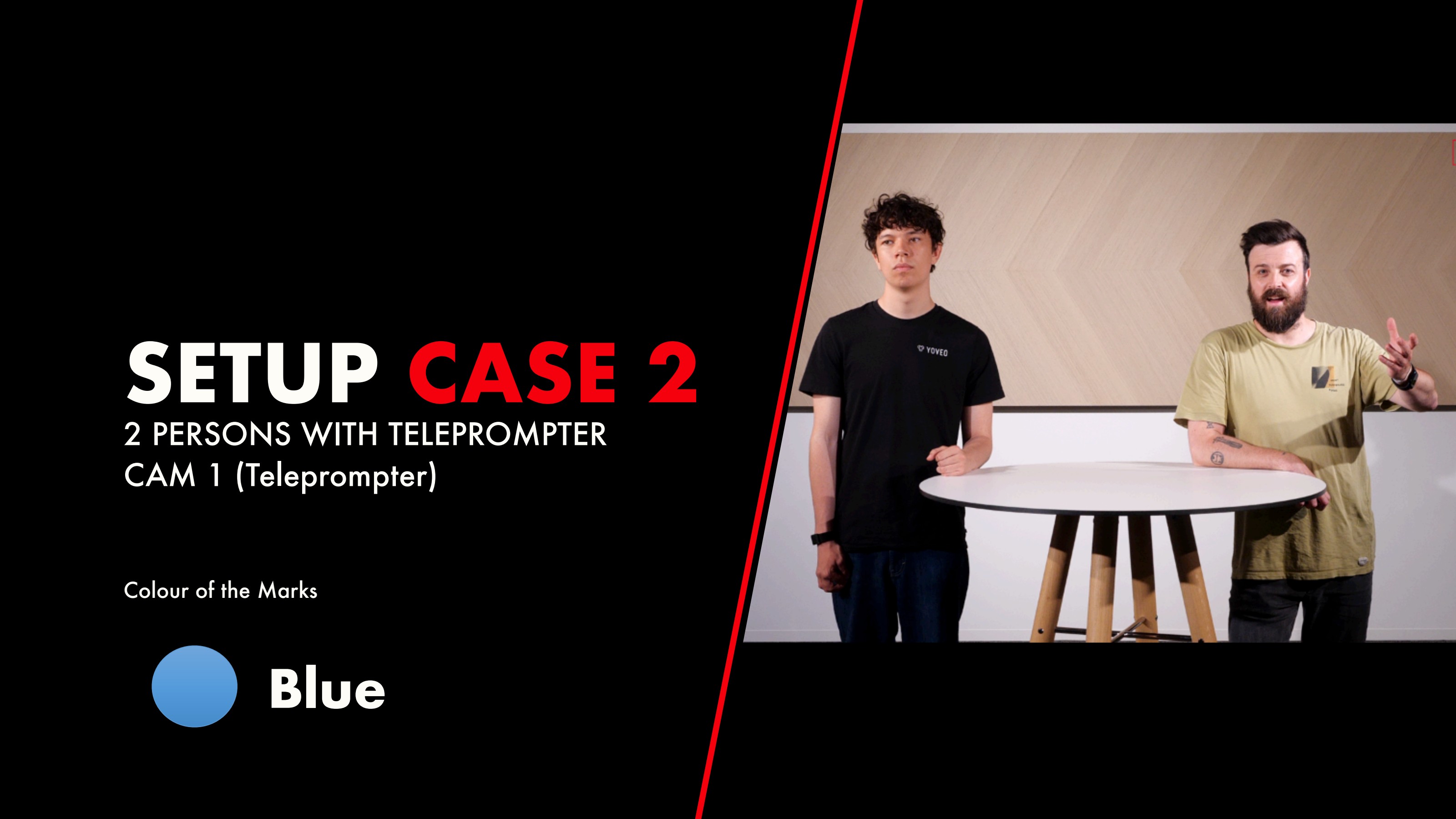
- • Button 2: Standing (Case 1 — Case 2)
- • Ceiling Light around 30%
Setup Cases
Choose a setup to see marks, camera positions and shots.